Site search gets complicated when the implementation starts before the product requirements.
Hosted search services are useful at the right scale. PostgresGUI did not need typo analytics, a crawler, or a remote ranking API. It needed people to find a page among a few distinct content groups: product pages, free tools, comparisons, reference pages, and guides.
We started with the result, not the input
A result needs enough information to be useful before someone opens it. A title and URL were not enough. We wanted a short description, a visible category, and a way to distinguish a tool from an article.
type SearchDocument = {
  href: string;
  title: string;
  description: string;
  type: "tool" | "guide" | "product" | "comparison" | "reference";
  keywords: string[];
  aliases?: string[];
  section?: string;
  priority?: number;
};
The index is assembled from existing product data, blog metadata, connection guides, data-type guides, workflow pages, and comparison pages. A map keyed by URL removes accidental duplicates. A separate six-item list supplies useful destinations before the visitor types.
Ranking stays predictable
Every query and index field goes through the same normalization. Case, punctuation, slashes, underscores, and diacritics are removed. We also treat "Postgres" and "PostgreSQL" as the same term and expand "ERD" to "entity relationship diagram."
All query words must appear somewhere in the searchable document. After that filter, a short scoring table decides order.
exact title       +100
exact alias        +80
title starts with  +60
exact keyword      +45
title contains     +40
token in title     +30
token in alias     +25
token in keyword   +20
token in section   +10
token in summary    +5
A small priority value only breaks ties. It cannot force a preferred marketing page above a clearly better title match. That keeps ranking decisions legible when a surprising result appears.
The index waits until someone asks for it
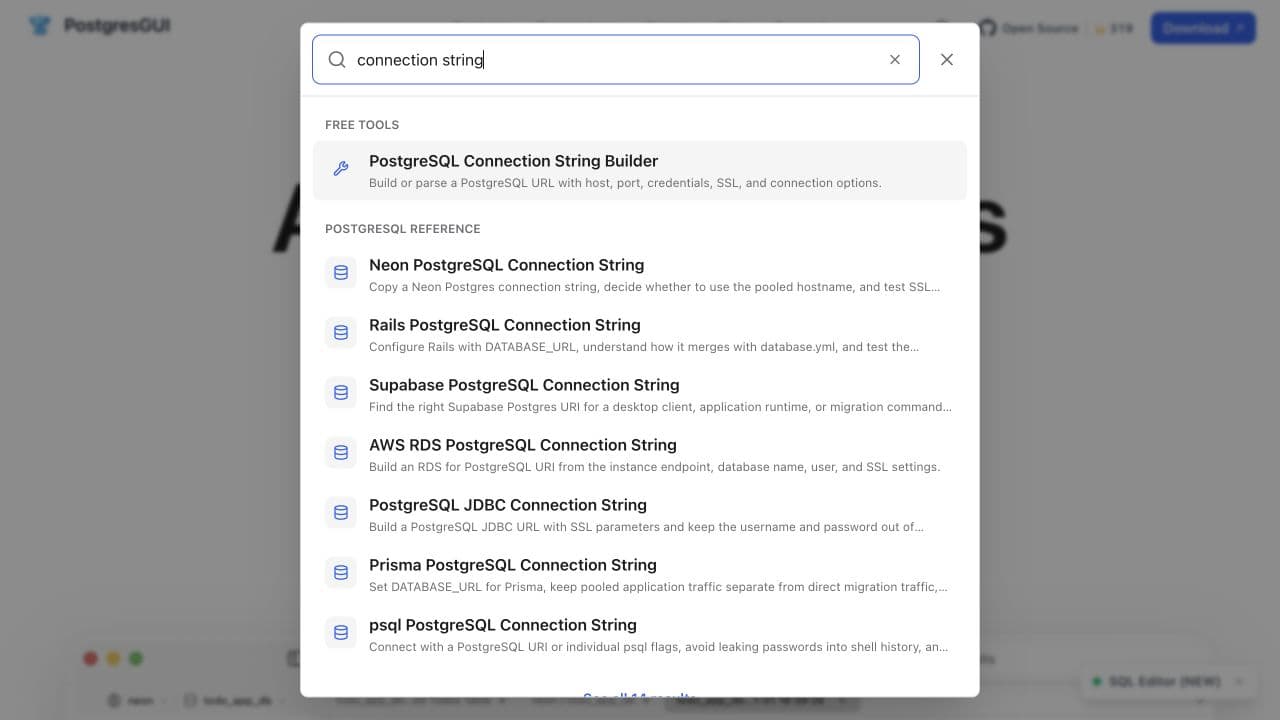
Search appears in the main navigation, but most visits never open it. The dialog imports the index when it opens and keeps the loaded documents in component state. The default page bundle does not need to carry the whole content catalog.
Results update locally while the visitor types. The dialog shows up to eight matches, grouped by content type. When more exist, a link opens the full results page with the query in the URL.
Three views, one search function
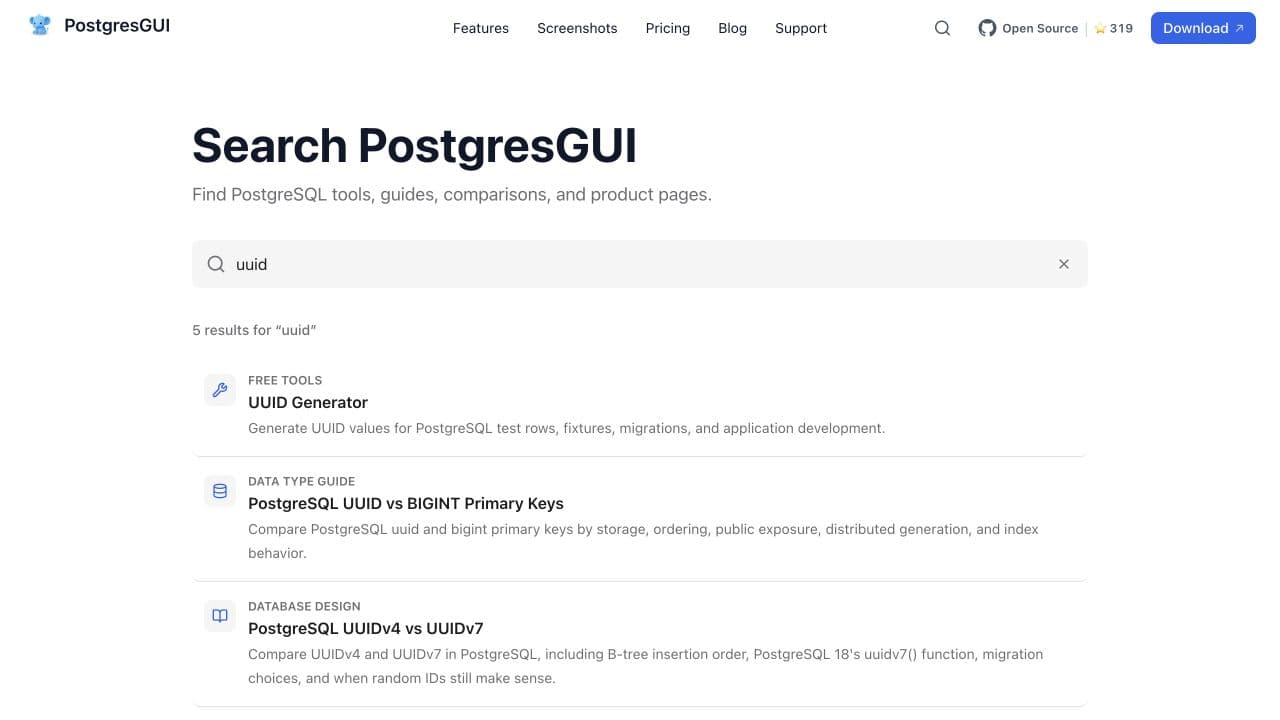
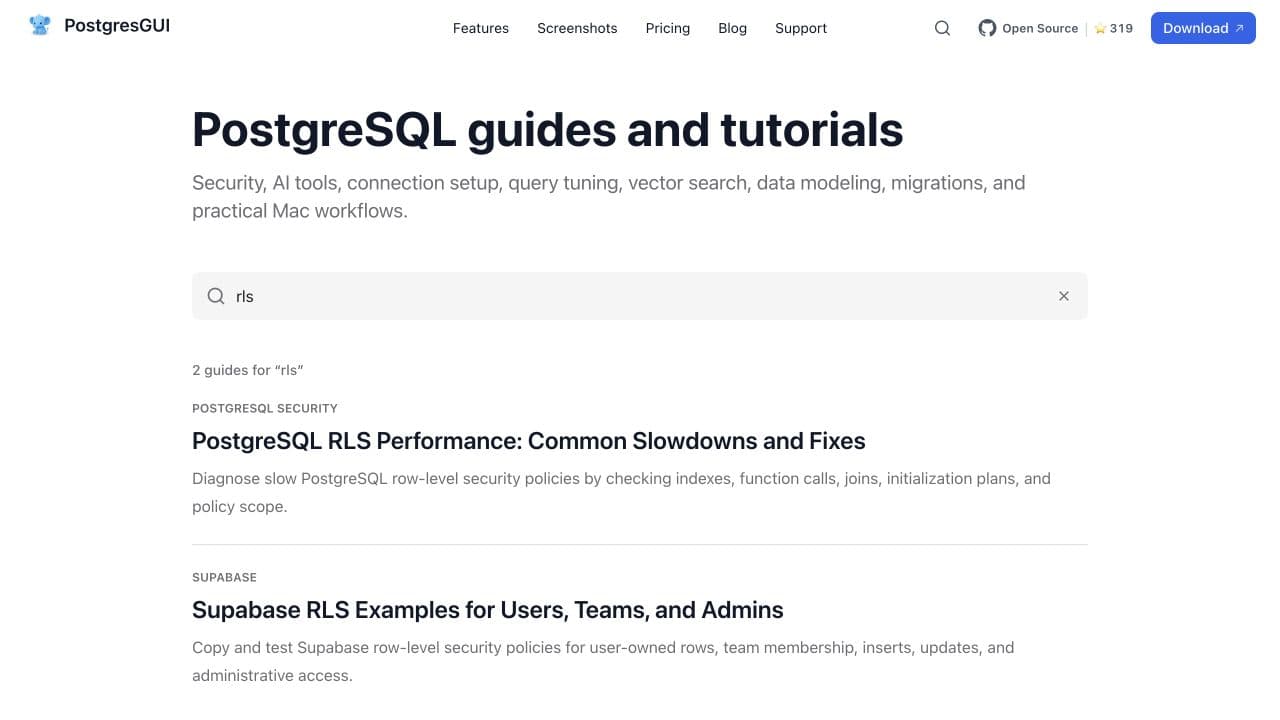
The header dialog is for quick navigation. The full search page is for scanning a larger result set. The blog input searches only guides, which is more useful when someone is already reading the publication.
All three call the same pure search function. The difference is the index each view passes in and how the results are presented. That keeps scoring behavior consistent without forcing every interface into one component.
URL state matters
The full and blog searches synchronize their input with the q parameter. A result set can be shared, refreshed, or reached with the browser back button. The query update uses client navigation rather than a form submission.
In the Next.js App Router, reading search parameters is a client-side concern. We render those clients under Suspense with a stable fallback. The search page also uses noindex, follow: crawlers may follow its links, but query combinations do not become thin indexable pages.
Keyboard behavior is part of the MVP
The header control opens a native dialog and moves focus to the search box. Slash opens it when the visitor is not already typing. Arrow keys move through results, Enter opens the active result, and Escape closes the dialog. Clicking the backdrop also closes it.
Search is not finished when mouse clicks work. A navigation tool has to be quick for keyboard users and understandable to a screen reader. Result counts use a live region, controls have explicit labels, and empty states offer a clear next action.
The tests target ranking mistakes
Eleven Vitest checks cover the parts most likely to regress: term normalization, punctuation-heavy identifiers, exact-title ranking, multi-word filtering, aliases, tie-breaking, blank queries, result limits, unique URLs, complete display metadata, and the popular list.
These are small tests, but they protect the rules a visitor feels. A screenshot test would tell us that rows rendered. It would not tell us that an exact tool match fell below a loosely related guide.
When we would replace this approach
A local index stops being attractive when its payload becomes large, content changes outside the application build, or the team needs typo tolerance, language-specific stemming, ranking analytics, or editorial controls. That is the point to evaluate Pagefind, Algolia, Typesense, Meilisearch, or a server-backed index.
PostgresGUI is not there yet. The simple version is fast, inspectable, and cheap to maintain. More importantly, it solves the present navigation problem without creating a new infrastructure project.
This search work is one part of the broader PostgresGUI case study, which covers the app, free tools, content structure, and SEO work around it.